
How it works
From sign-up to your first score.
Set up in a minute, add a task in four short steps, then check it off every day and watch your score.
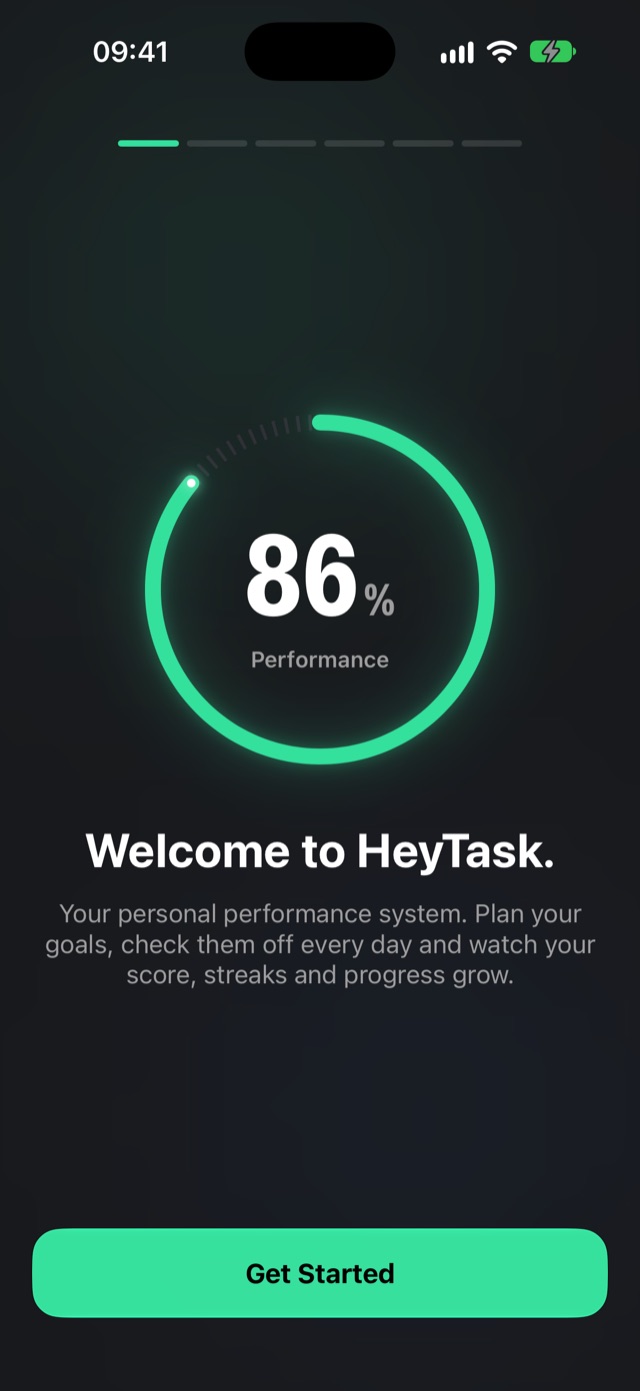
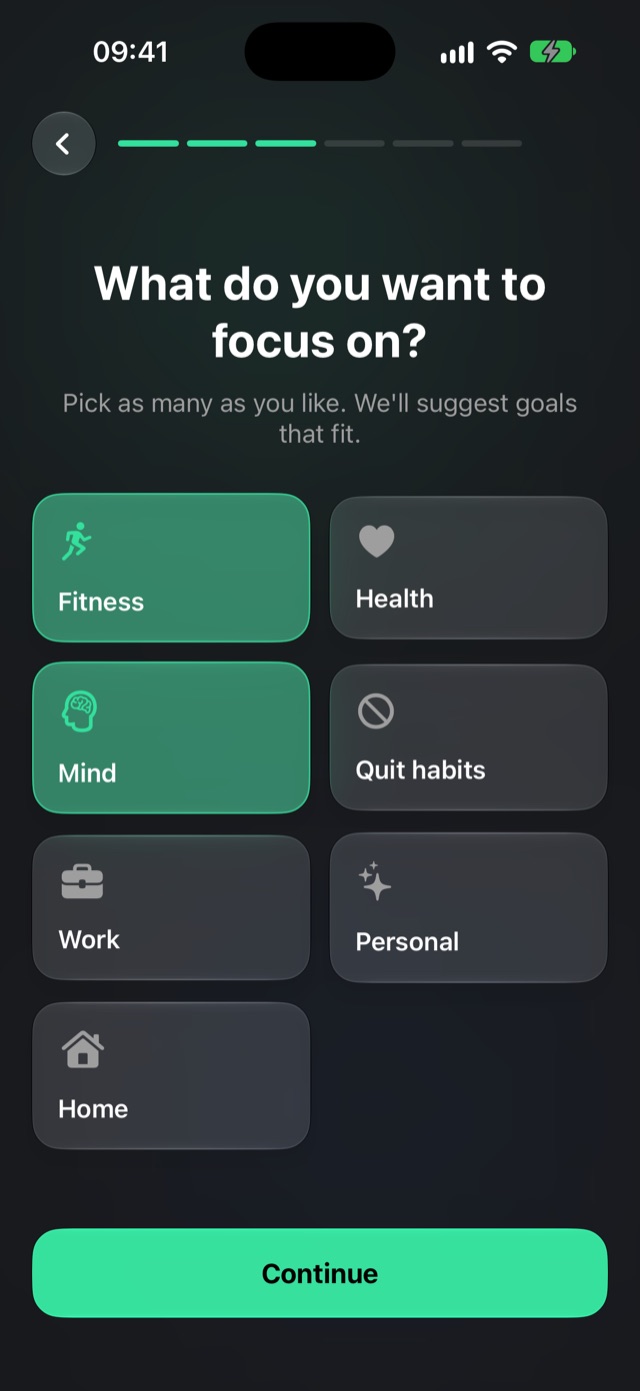
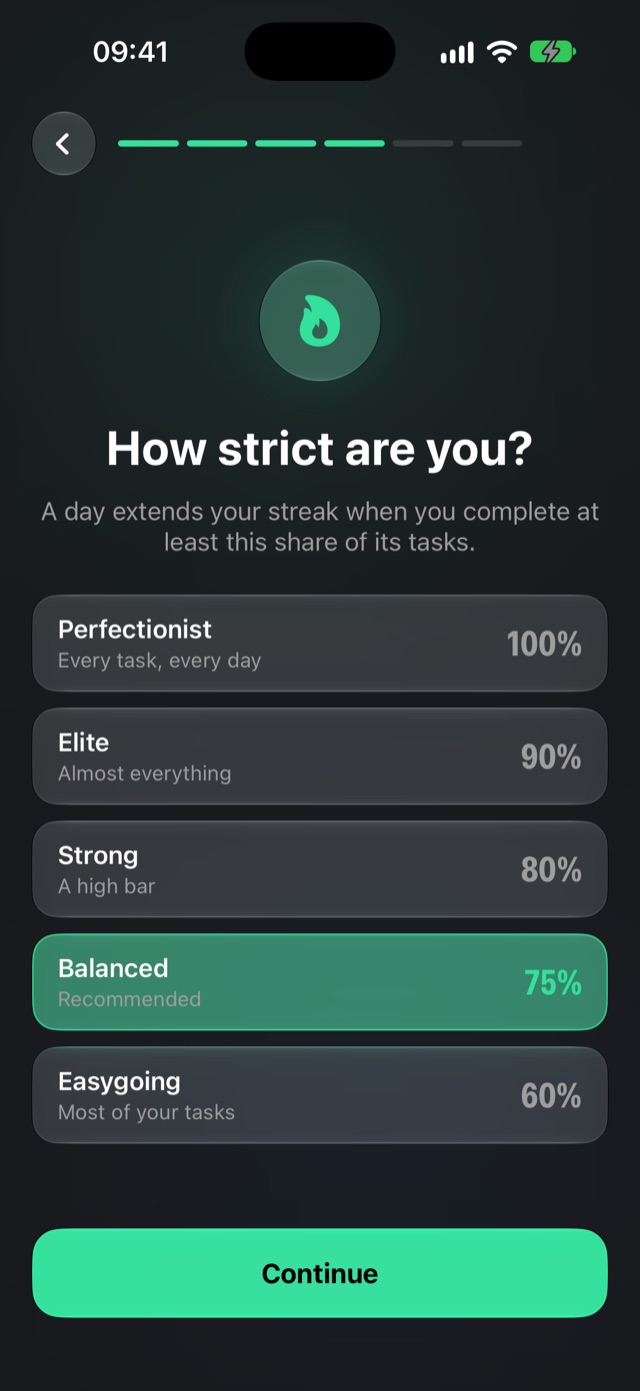
Set up in under a minute
Answer a few quick questions and you start with goals that match what you want to work on.

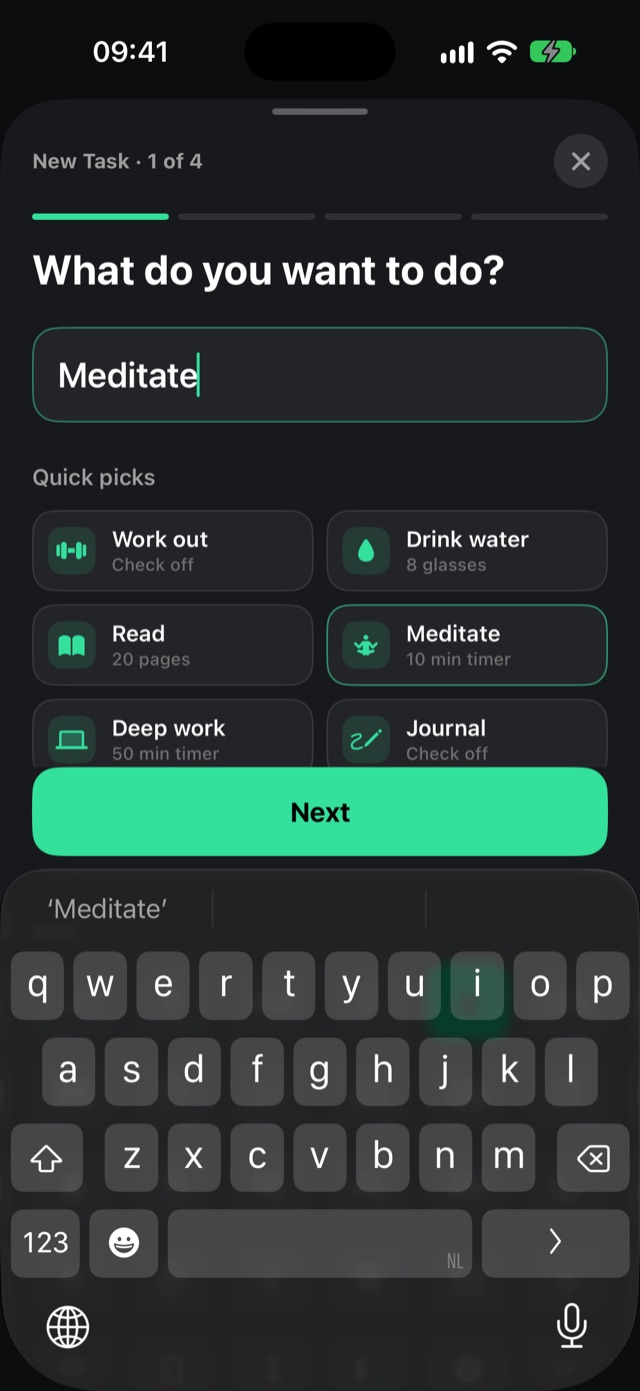
Add a task in four short steps
What it is, how often, how you track it, and a few finishing touches. No long forms.
Step 1
Step 2
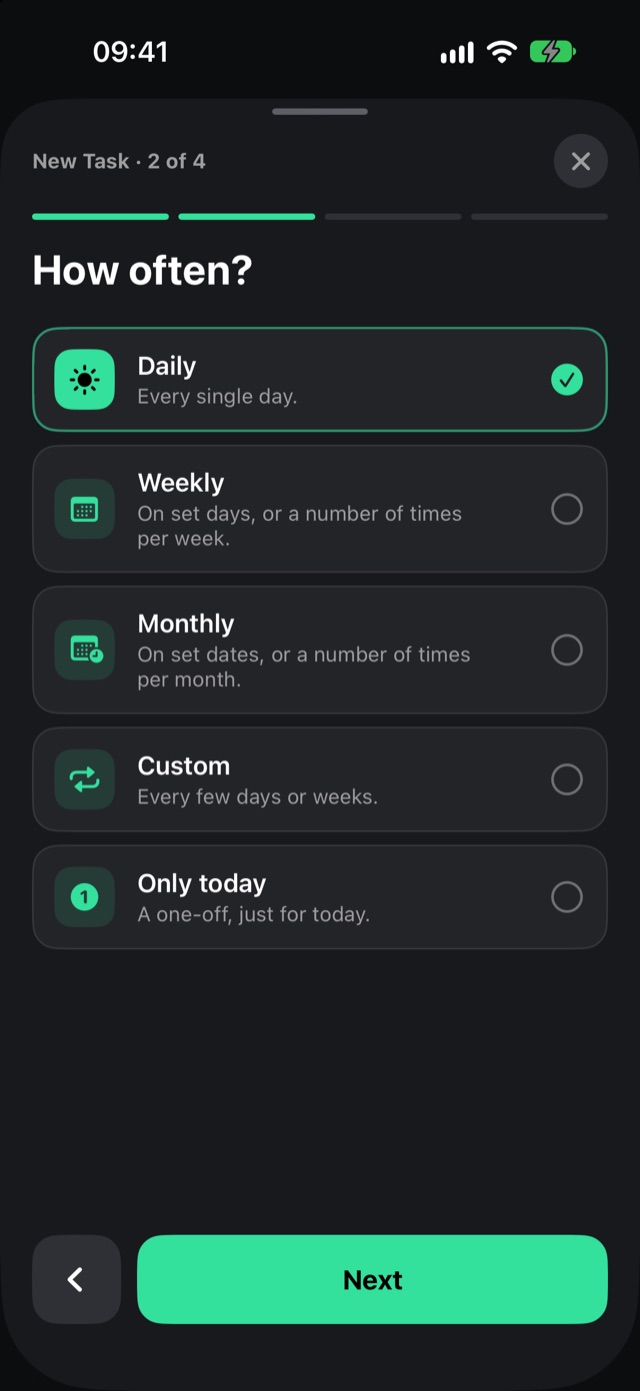
Step 3
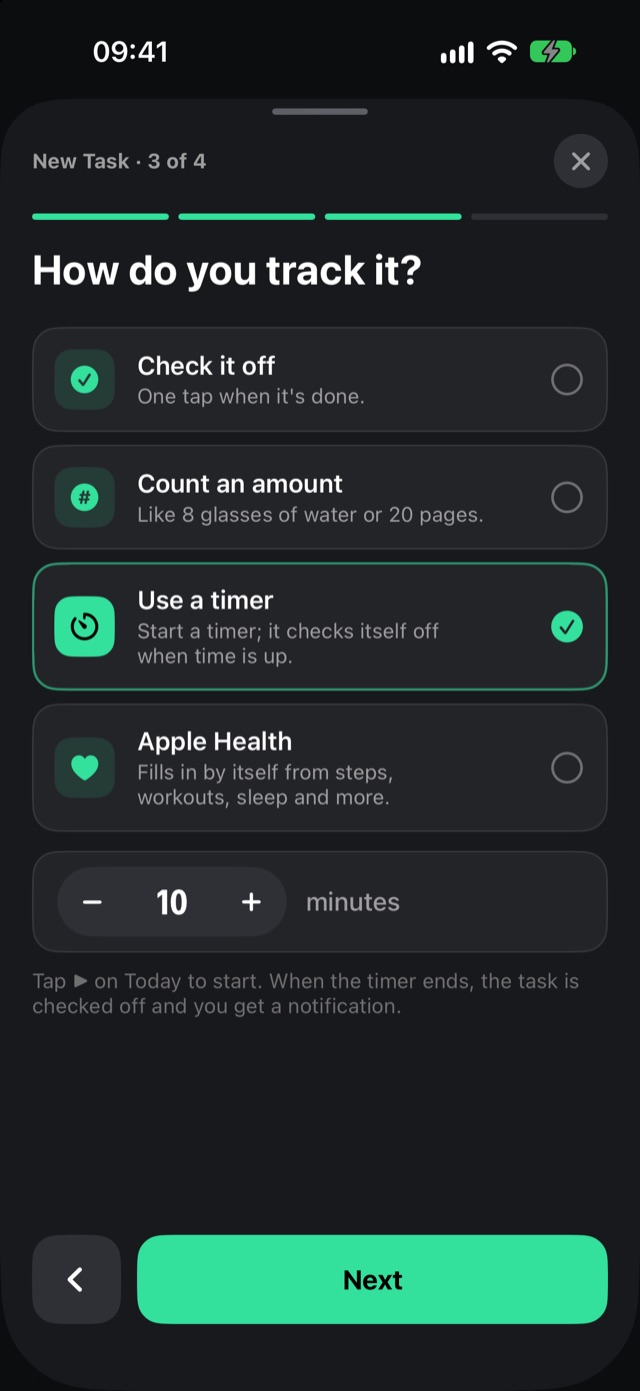
Step 4
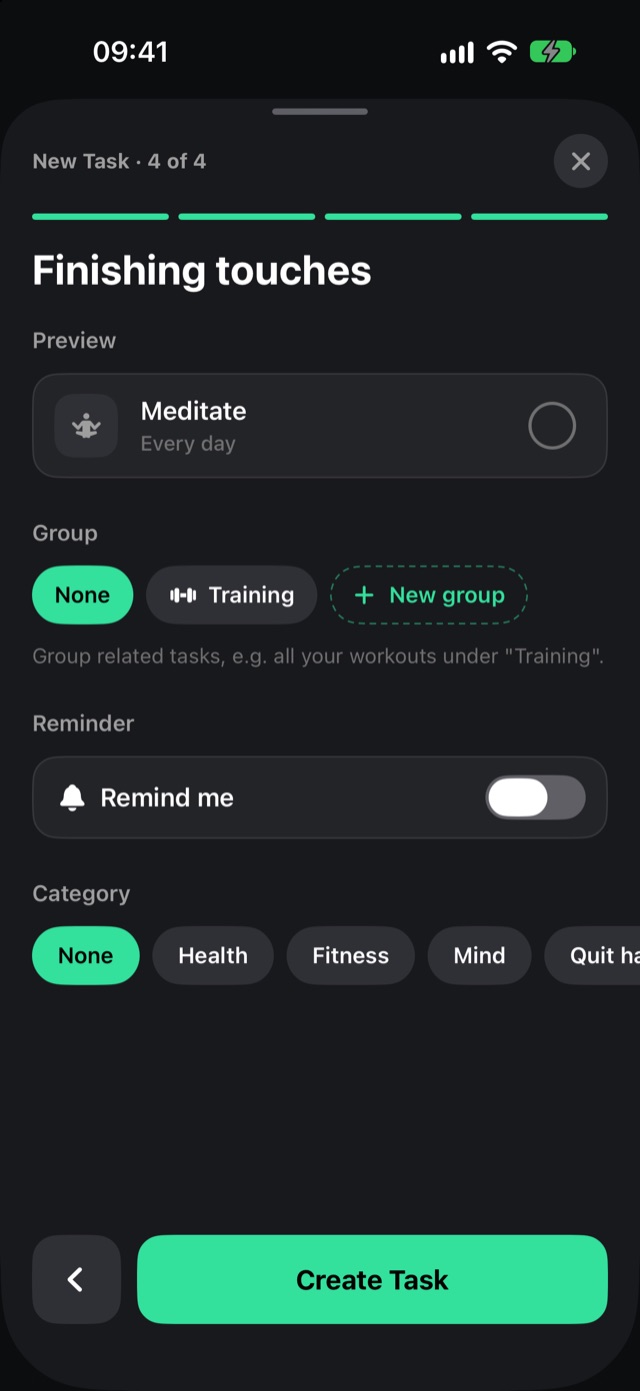
Every day
Check it off. Watch it fill up.
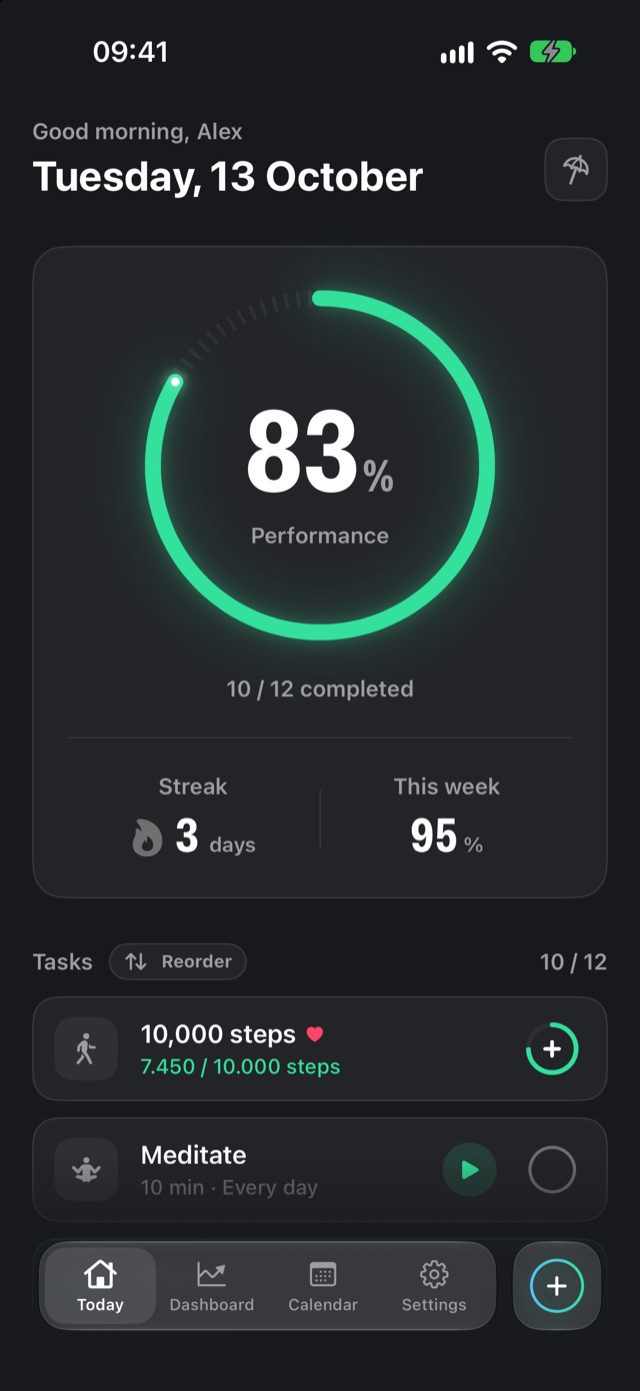
The Today screen shows everything planned for today. Tap the circle next to a task and your ring fills up right away.
- Green from 80%, orange from 50%, red below. One look tells you how your day is going.
- Amount tasks get a + button: tap it for every glass, page or set.
- Done tasks slide to the bottom, so you always see what is left.
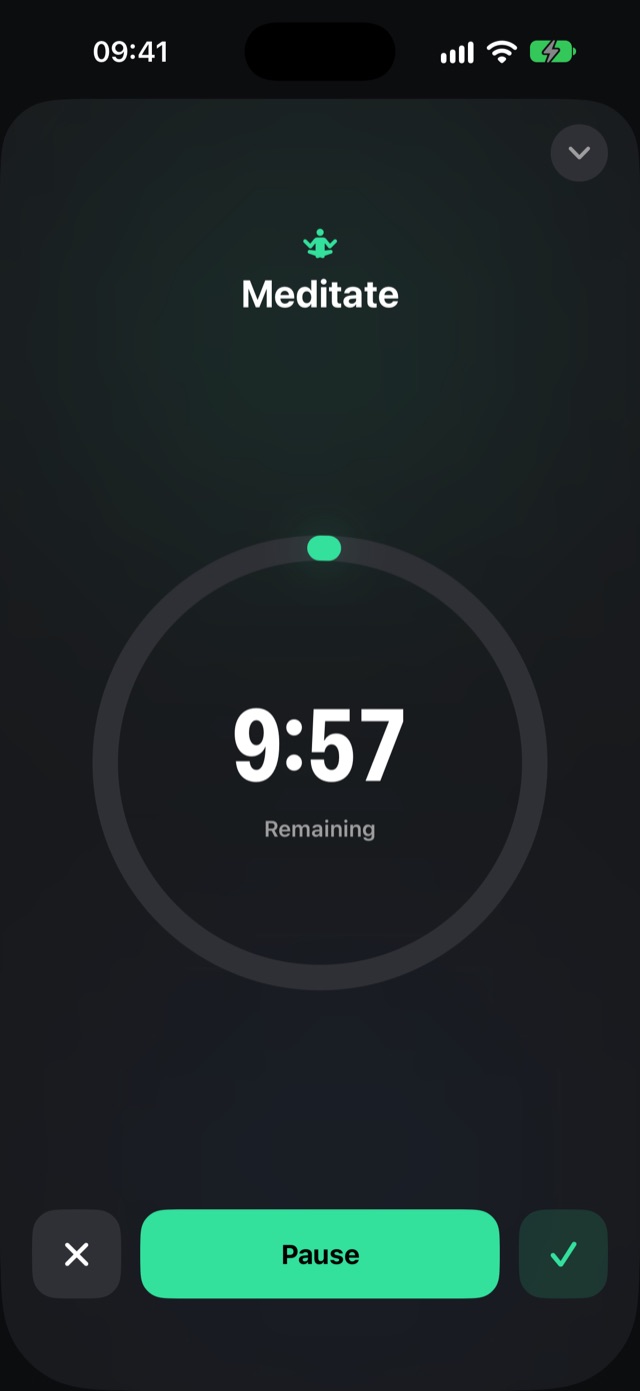
Timer tasks
Press play. Focus. Done.
Give a task a timer, like 10 minutes of meditation or 50 minutes of deep work.
- Big, calm timer with pause and "done early".
- Keeps running when you close the app, with a notification when time is up.
- Checks itself off the moment the timer ends.
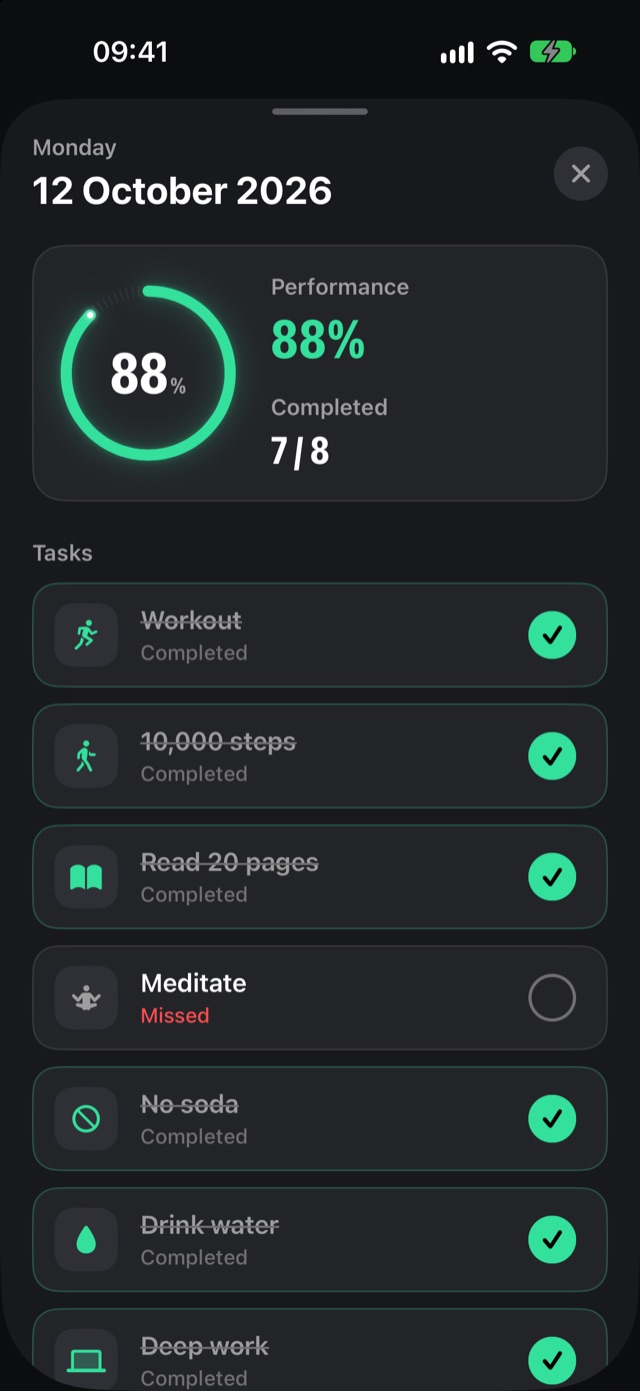
Your history
Every day, one number.
The calendar shows the score of every day. Tap a day to see exactly what you did and what you missed.
- Forgot to check something off? Fix it in the day view.
- Changing a schedule never rewrites your past.
- Deleted tasks keep their history in your stats.
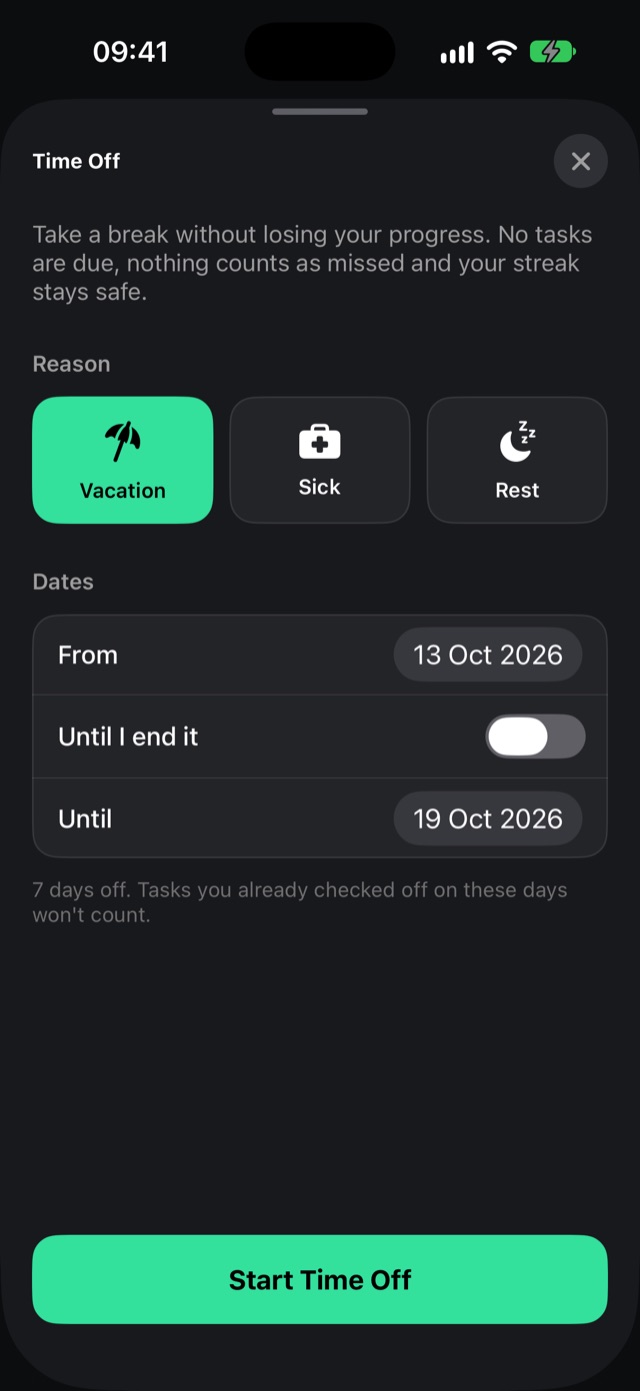
Life happens
Take time off. Keep your streak.
On vacation or sick? Tap the umbrella and choose vacation, sick or rest.
- Nothing is due and nothing counts as missed.
- Until I end it: for when you don’t know how long you’ll be sick.

Give it a week
Add three habits, check them off for seven days, then look at your score. The free plan is yours to keep.